
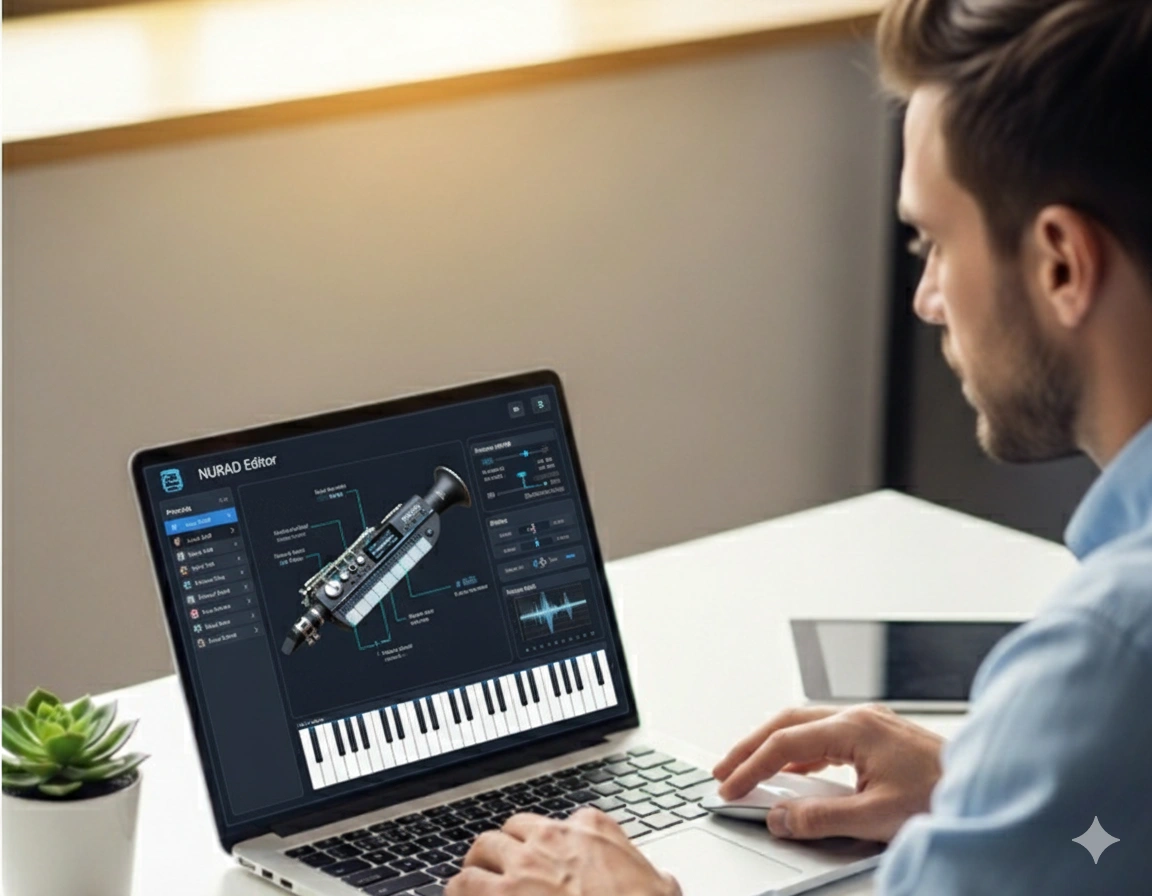
Nurad Editor Software: Unlock the True Power of Your NuRAD Wind Controller
Your NuRAD wind controller is already a brilliant instrument — expressive, responsive, and built for real musicianship. But if you want to experience its full potential, there’s one tool that transforms your playing from amazing to truly next-level.
More than a settings app, it is your personal control center, shaping how every breath, bend, and movement turns into sound. Whether you’re a jazz player chasing acoustic-style dynamics, a producer designing futuristic textures, or a film scorer looking for lifelike expression — this software gives you precise control over your instrument.
What Is the Nurad Editor Software?
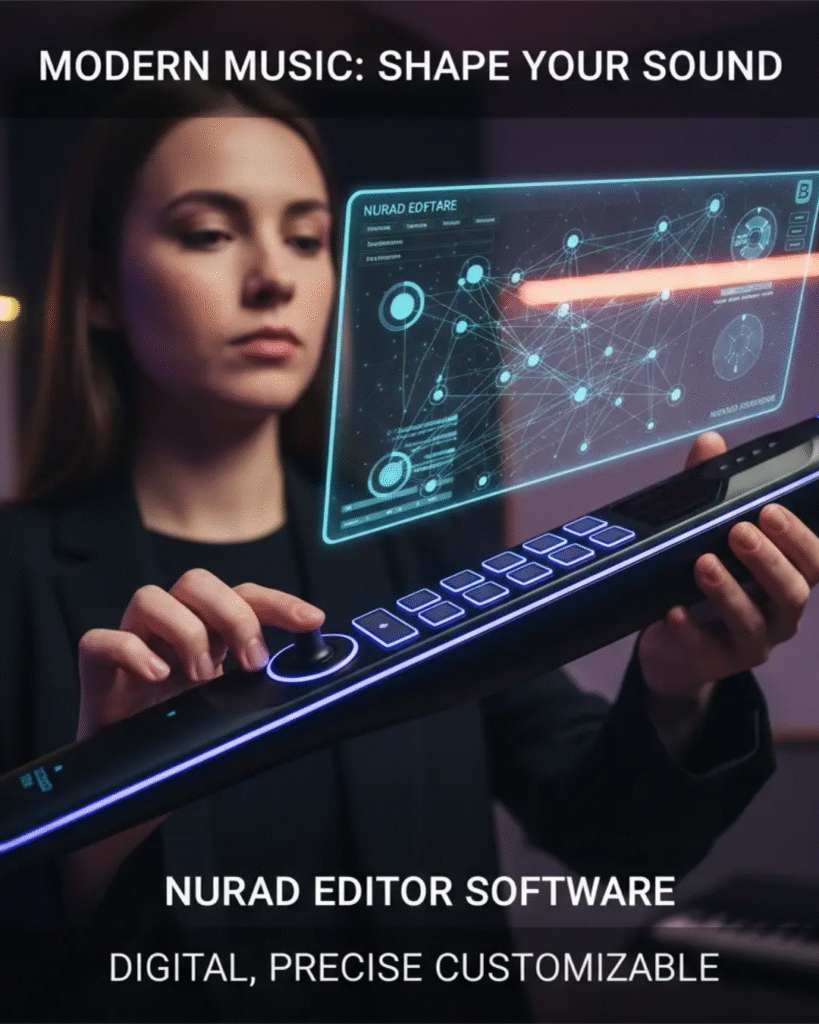
The Nurad Editor is the official configuration software for the NuRAD wind controller, created by Berglund Instruments, the same team behind the iconic NuEVI.
Your NuRAD is packed with advanced expressive sensors — breath, bite, lip, pitch, and thumb. The editor acts as the intelligent bridge between these sensors and the sounds you’re creating.
With the Nurad Editor, you can:
- Adjust breath sensitivity and shape air-to-sound response
- Map bite and lip sensors to pitch, modulation, filters, or other MIDI controls
- Turn MPE mode on/off for deeper DAW compatibility
- Save unlimited custom presets
- Update your NuRAD with the latest firmware and new features
💡 Pro Tip: Always download the newest version from Berglund’s official site for maximum stability.
Why You Should Use the Nurad Edit
Playing the NuRAD without the editor is like playing a piano that can’t be tuned — it works, but you’re missing out on its full beauty.
Here’s what makes the editor essential:
- Personalized Feel: Create breath curves and sensor settings that match your technique.
- Custom Presets: Switch your entire playing style with one click — jazz, EDM, ambient, orchestral… anything.
- Smooth Stage Performance: Calibration keeps sensors stable during long gigs.
- Advanced Expression with MPE: Perfect for Ableton, Logic, Cubase, Bitwig, and other modern DAWs.
No matter your workflow — software synths or hardware modules — the editor ensures every movement is captured cleanly.
Key Features & Customization Tools
| Feature | What It Does |
|---|---|
| Breath Control | Shape volume, timbre, or modulation naturally through airflow. |
| Bite + Lip Sensors | Add vibrato, pitch bends, or assign any MIDI modulation. |
| MIDI & MPE Settings | Choose between classic MIDI or full MPE expression. |
| Preset Manager | Save and organize setups for different genres and songs. |
| Firmware Utility | Install updates safely to unlock new features. |
| Real-Time Preview | Hear changes instantly as you adjust. |
These tools make the editor the heart of truly expressive electronic playing.
How to Install and Use the Nurad Editor (Simple Guide)
You don’t need technical skills — setup is fast and beginner-friendly.
- Download the latest editor from Berglund Instruments.
- Install it on Windows or macOS.
- Connect your NuRAD via USB or wireless MIDI (if supported).
- Open the software — it auto-detects your instrument.
- Adjust breath, bite, lip, and thumb sensor settings.
- Test the changes in real time.
- Save your preset (example: Smooth Jazz Vibrato, EDM Growl Lead).
🧠 Tip: Before updating firmware, always save a backup of your presets.
MIDI + MPE Configuration Tips
Common Mappings (and Smart Alternatives)
| Control | Default MIDI | Suggested Alternative |
|---|---|---|
| Breath | CC2 | CC11 for volume shaping |
| Bite | Pitch Bend | CC74 for filter control |
| Lip | Aftertouch | CC1 for classic vibrato |
| Thumb | Octave Shift | CC12 for custom modulation |
How to Enable MPE
- Go to MIDI Settings → Mode
- Select MPE Enabled
- Choose channel range (common: 2–16)
- Set pitch-bend range to ±48 semitones for full expression
Real-World Setups (Used by Professionals)
🎷 Jazz Performer Setup
- Breath → Volume & dynamics
- Bite → Subtle pitch bend (±2 semitones)
- Lip → Natural vibrato
- Thumb → Octave shift
🎛️ Electronic Producer Setup
- Breath → Filter cutoff
- Bite → Distortion / LFO depth
- Lip → Reverb mix
- Thumb → Delay feedback or effect on/off
This flexibility is why the NuRAD is a favorite among hybrid instrumentalists.
Troubleshooting Tips
Common issues and simple fixes:
- Device not detected: Restart editor, reconnect USB, check drivers.
- Sensor not responding: Recalibrate in the Sensor Settings tab.
- Pitch bend drifting: Increase bite sensor “dead zone.”
- Firmware issue: Re-open Firmware Utility and use the official .hex file.
Why Musicians Trust the Nurad Editor
- Built and supported by Berglund Instruments
- Strong MPE integration
- Reliable on stage
- Frequent updates
- Backed by a global community of NuRAD & NuEVI players
It’s not just a tool — it’s an essential part of expressive digital wind performance.
FAQs
1. What is the Nurad used for?
To customize breath, bite, lip, and other sensor responses on the NuRAD.
2. Can I use the NuRAD without the editor?
Yes, but you’ll be stuck with factory defaults and limited control.
3. Are presets beginner-friendly?
Very — just tweak settings, test them, and save instantly.
4. Can I make different presets for each genre?
Absolutely. Save unlimited setups for jazz, EDM, cinematic, or live gigs.
5. Is it DAW compatible?
Yes. Works perfectly with Ableton, Logic, FL Studio, Cubase, Bitwig, etc.
Conclusion
The Nurad Editor Software is the engine behind the NuRAD’s expressive power.
By shaping how every breath, bite, and gesture responds, it turns your controller into a fully personalized instrument that reacts exactly the way you play.
If you want your NuRAD to sound alive — on stage or in the studio — the Nurad Editor is essential.